 Offers Calendar
Shopify app
Offers Calendar for Shopify
Give shoppers a reason to come back.
Bring daily offers, product discoveries and seasonal countdowns to your storefront. Create a branded calendar, then add it to your Shopify theme with embed code.

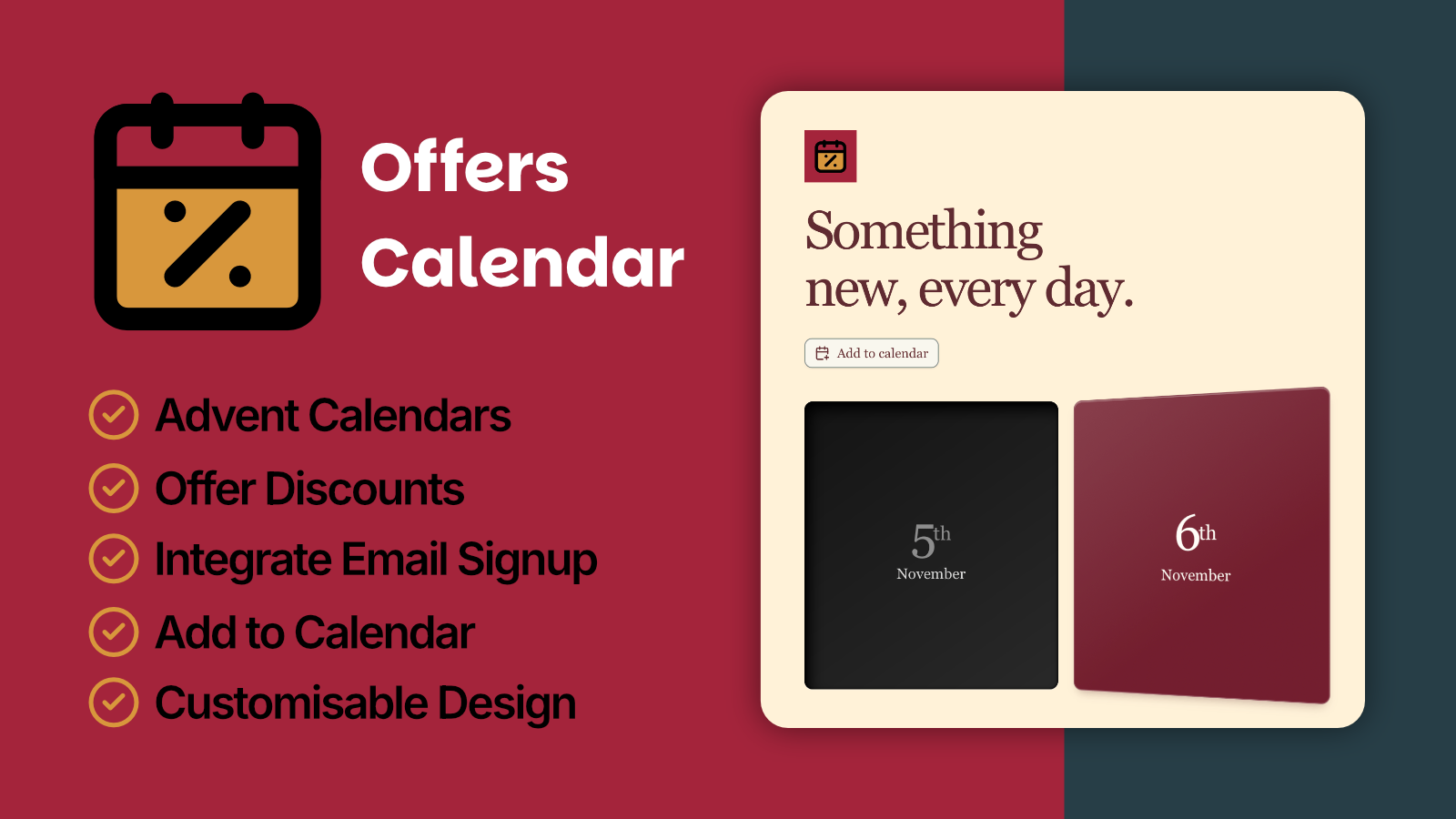
Add a little more discovery to your storefront.
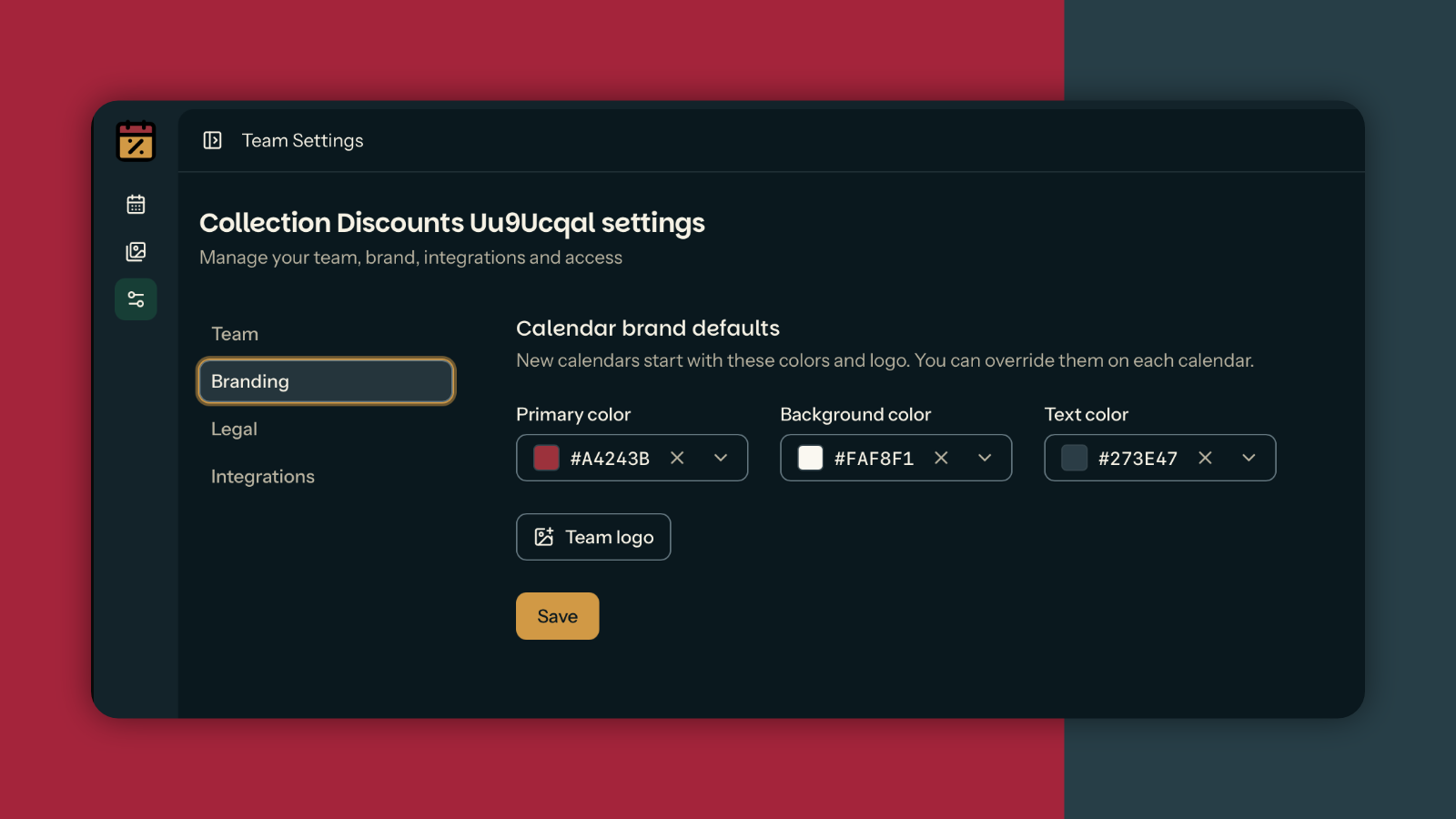
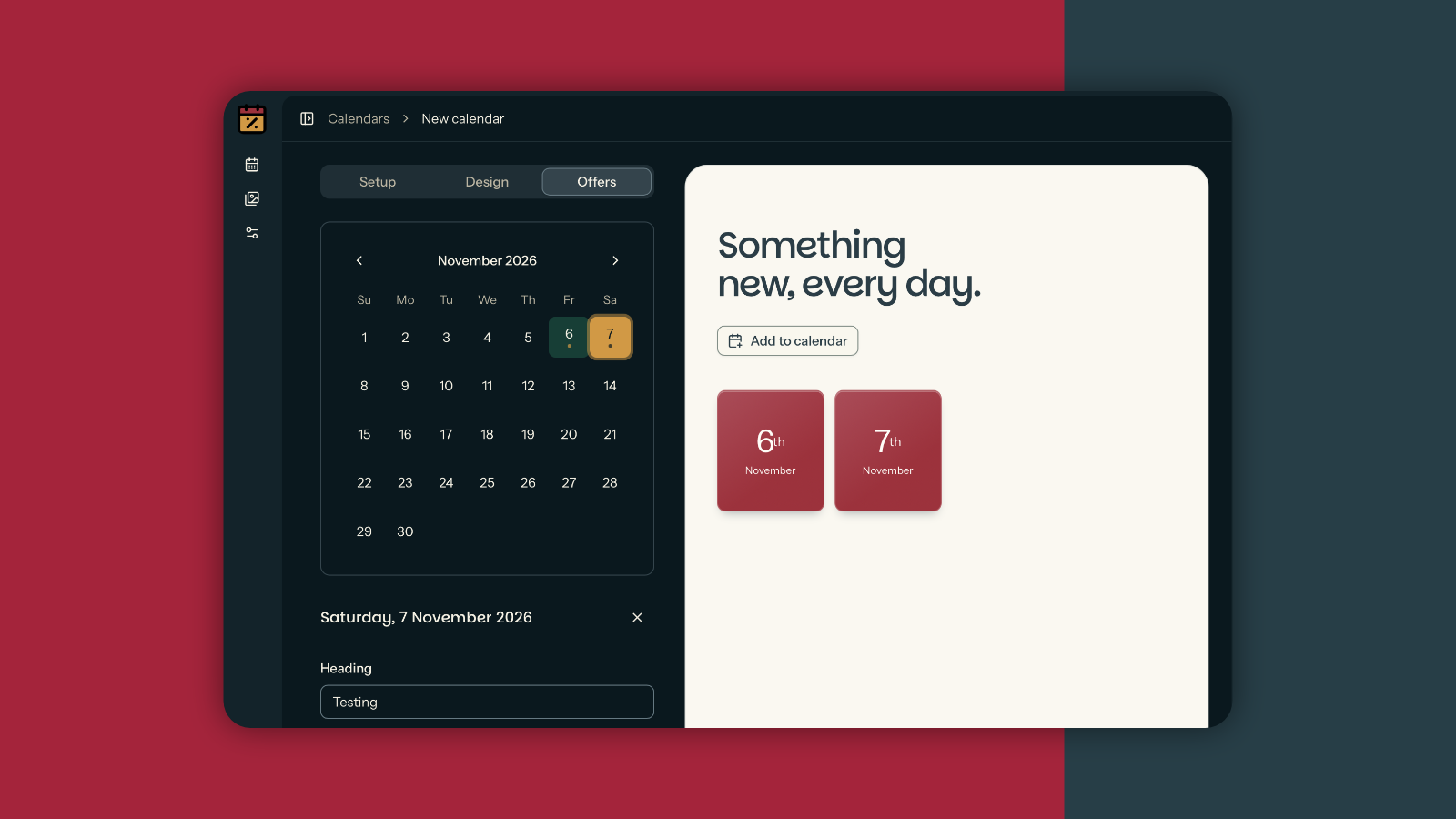
Create a standalone Offers Calendar account, add your branding and schedule your offers. Add your own product or collection links and discount codes, then preview the whole experience for free.
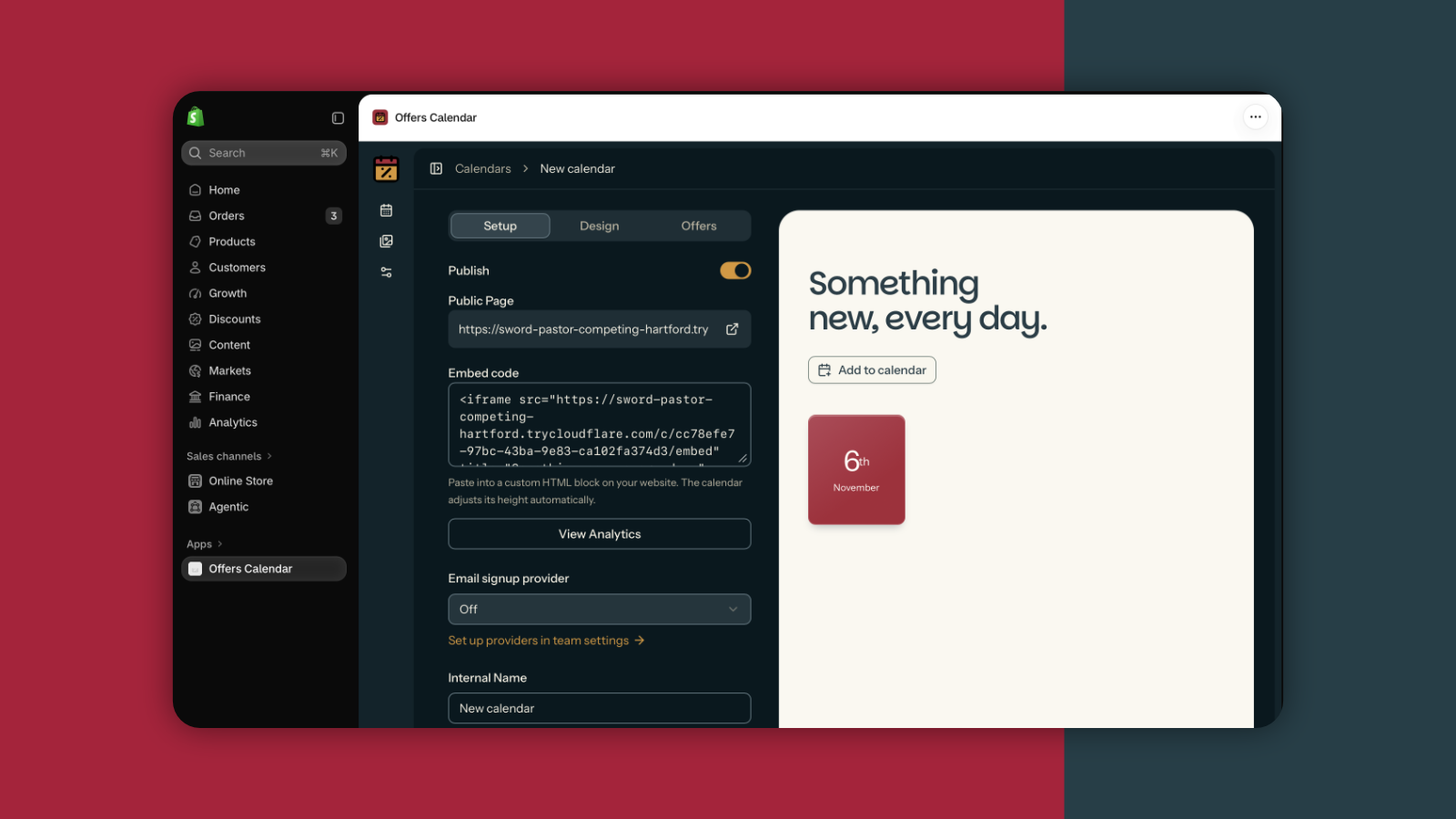
Publish with Grow or Campaign Pack to get website embed code. Copy the code from your published calendar and paste it into a compatible Custom Liquid or HTML section in your Shopify theme. Save and preview your storefront on desktop and mobile before promoting it. No Shopify app installation is needed for this route.
Website embedding is included with Grow and each Grow campaign in Campaign Pack. Launch includes a hosted calendar page you can link to from your store, emails and social channels.
A closer fit for your Shopify workflow.
The Shopify app will let you choose products from your connected store and display published calendars using a theme app block. Shopify subscriptions will be billed through Shopify.
Get started with a standalone calendar today. Add it to your Shopify storefront using the embed code included with Grow and Campaign Pack.
Make your storefront an occasion.
Campaign ideas to adapt to your own products, audience and availability.
Seasonal campaigns
A new offer behind every door.
Plan a Christmas countdown or a week of seasonal offers around your own products.
Product discovery
Give each product its moment.
Reveal a collection one day at a time, with links that take shoppers back to your store.
Your brand
Make the calendar your own.
Bring your colours, images and offer copy together in a branded customer experience.
A look inside the Shopify app.
See how a branded calendar can bring products, offers and seasonal stories together for your shoppers.
See a calendar in action.
Explore our Christmas example for a taste of what you can create for your next promotion.
Before your
first reveal.
Publish with Grow or Campaign Pack, copy your calendar embed code, and add it to a compatible Custom Liquid or HTML section in your Shopify theme. Your branded calendar can sit right alongside your products and promotions.
Grow and each Grow campaign in Campaign Pack include website embed code. Launch provides a hosted page you can share with a link. Your theme must allow the supplied embed code.
Create seasonal countdowns, daily offers and product discovery campaigns. Link each reveal to your Shopify products or collections, and bring your brand colours and imagery into the experience.
A countdown for
your kind of business.
Explore related campaign guides, industry ideas and practical examples.
- Campaign examplesExplore promotional calendar examples for skincare, jewellery, coffee and product launches. Find practical reveal schedules to adapt for your business.
- Digital advent calendarsCreate an online Christmas countdown with your own branding and scheduled offers.
- Advent calendar marketing guideChoose a goal, plan the offer mix and prepare a practical Christmas campaign.
- Product launch countdownsPlan a product launch countdown with scheduled reveals, product stories and launch-day links. Build and preview your branded calendar before publishing.
- Campaign planning guidesPlan your promotional calendar with Christmas checklists, reveal ideas and practical advice for sharing your campaign.